
01Menu
Digital Menu Creation
Design and publish a modern, interactive menu that customers can access anytime through their phones.
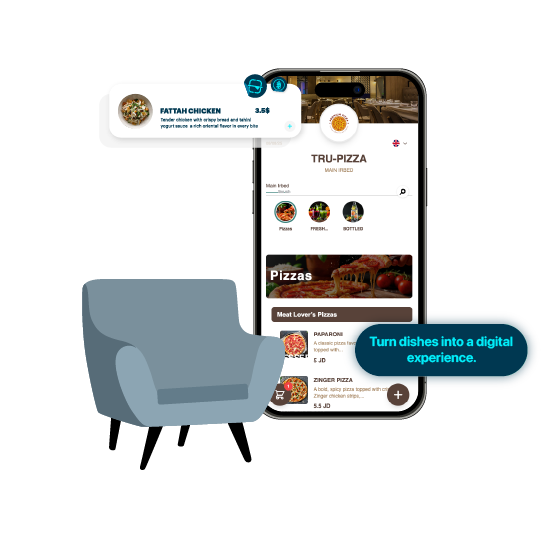
From building the menu to collecting reviews — one platform for the whole guest journey.
Design and publish a modern, interactive menu that customers can access anytime through their phones.
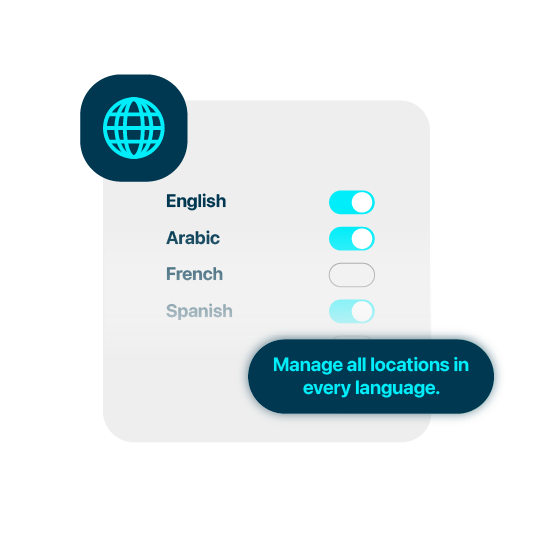
Serve customers from different backgrounds with easy language switching and built-in translation tools.
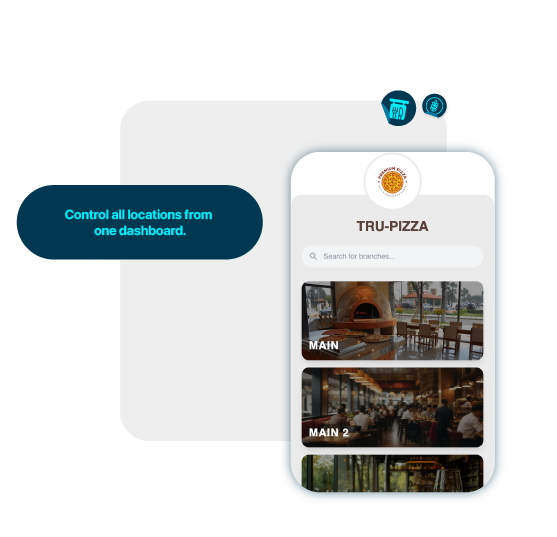
Control settings, menus, and promotions for multiple locations from one centralized dashboard.
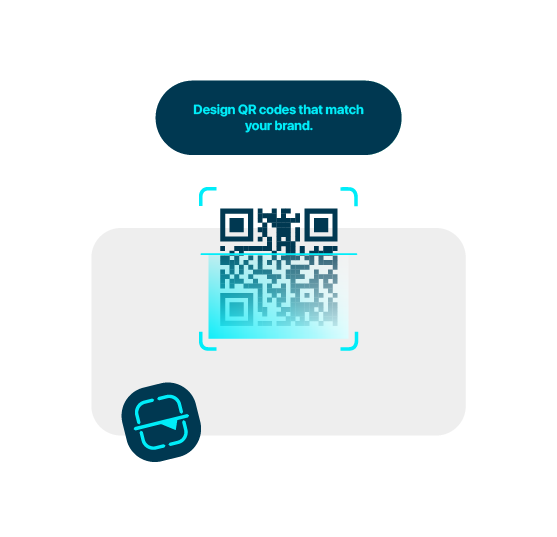
Generate, brand, and download QR codes for menus, orders, feedback, and table service.
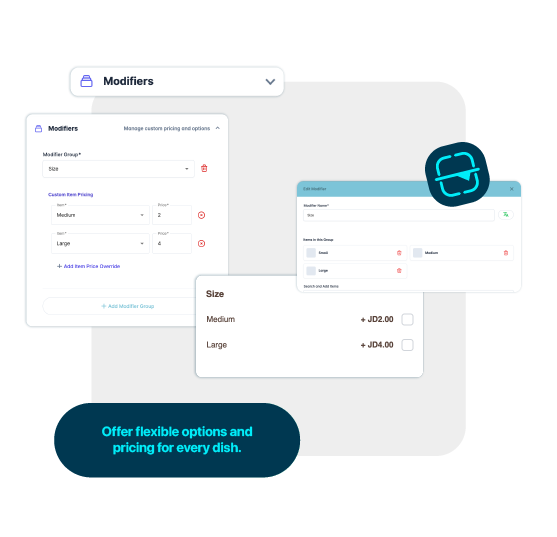
Offer product customization with add-ons, sizes, and extras, each with optional price adjustments.
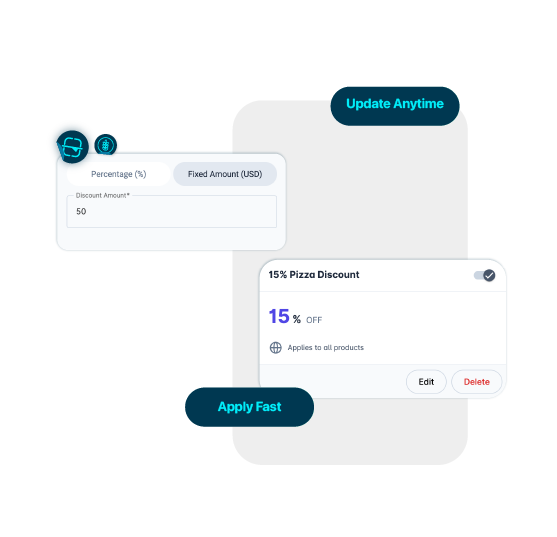
Run time-limited offers, discount campaigns, and eye-catching promotion banners to boost sales.
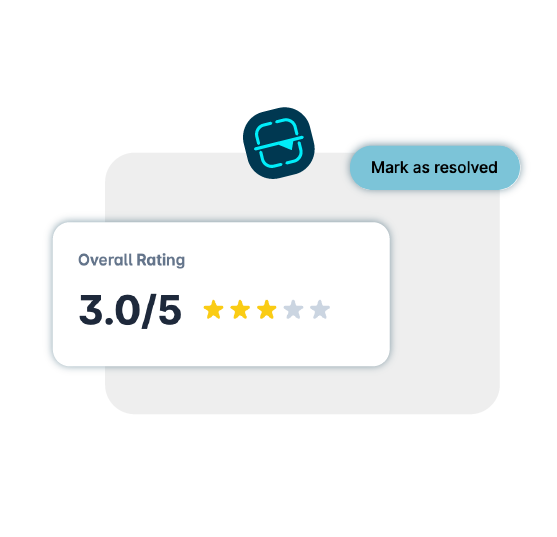
Collect, review, and manage customer ratings and comments to improve service and build trust.
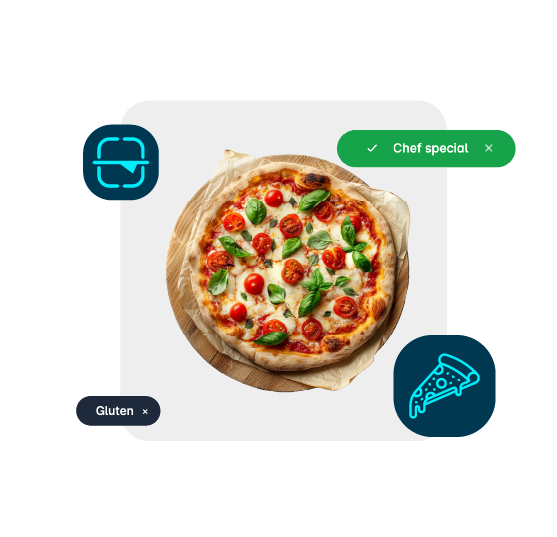
With BronQR, you can enhance every menu item by adding clear labels such as Vegan, Spicy, or Chef’s Special, detailed allergen indicators like Gluten-Free or Contains Nuts, and calorie information. This helps your customers make quick, confident, and safe ordering decisions.
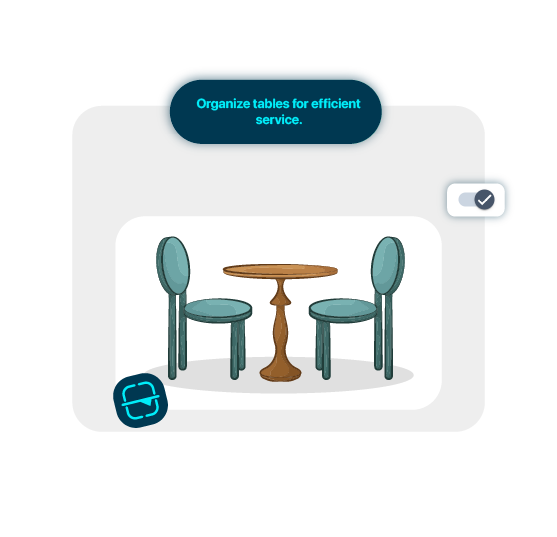
Easily assign tables to specific branches and define seating arrangements for better service flow. With BronQR, you can label areas, number tables, and set the number of seats per table—helping your staff manage dine-in customers efficiently and ensuring a smooth dining experience.
Enable or disable features, promotions, and banners with a single click, giving you full control instantly.
01 / 10
Create a unified link with your digital menu, contact information, location and business hours. Share it on Instagram, WhatsApp, Twitter or by text message.
Start free trial